
Upload and print
Upload your 3D model
Drop a file below. We measure it, check it against our printer and show you exactly what we found, before anyone talks about price.
No account and no email thread to start: the first answer comes from the machine, not a mailbox. STL, 3MF, OBJ or GLB, one piece or a small batch, printed in Riga on our own printer and shipped across the EU and the UK.
- Printed in Riga, Latvia
- Files stay on EU servers
- Delivery across the EU and the UK
- One piece is a normal order

Three steps, no waiting for an email
-
1
Drop your file
STL, 3MF, OBJ or GLB, straight from your slicer or CAD. No account, no form first.
-
2
We measure and check it
Size, material volume, separate parts, closed surface, and whether it fits our printer. Takes seconds.
-
3
You see the facts
A picture of your model and every number we found. Then send it for a price, or fix the file and try again.
Your file goes to SIA TWIN in Riga, Latvia, is stored on EU servers and is used only to prepare your order.
Checking your model
Your model is ready
What we measured
- Size
- -
- Material volume
- -
- Separate parts
- -
- Closed surface
- -
- Triangles
- -
Height is measured lying flat, which is how it would be printed.
Configure and see the price
- Per piece
- -
- Setup
- -
- Minimum order top-up
- -
- Delivery
- -
- VAT
- -
Total-
Admin view: this model did not pass a check, so a customer sees the reason here instead of a price.
The total above is what you pay. VAT and delivery are already in it, and nothing is added at checkout.
This is made to order. Because the part is printed from your own file and your own settings, the 14 day right of withdrawal stops applying once printing starts (Article 16(c) of Directive 2011/83/EU).
While the order is still waiting to print you can cancel it free of charge: write to info@3dpartgo.com with your order number and we refund it in full.
Seller: SIA TWIN, reg. 40203181454, VAT LV40203181454, Berzaunes iela 1, Riga, LV-1039, Latvia.
Choose the delivery country above: it sets the delivery price and the VAT, and then you can order.
Paying takes you to the secure Stripe checkout. The order then appears in My Projects.
Calculating
What the check found
What happens next
Pick the material, the colour and the quantity, and the price appears with delivery and VAT. Pay by card and the part goes into production. We check every model before it is printed.
Sign in to upload
Your model is measured and saved to your projects, so it needs an account to belong to. Signing in takes a moment, with email or with Google or Apple.
Your file stays on your computer until you are signed in.
- Automatic measuring in seconds: exact size, volume and printability checks.
- The model lands in My Projects, so you can come back to it from any device.
- You pick material, colour and quantity, and the price appears on the same screen.
- Files stay private. Only you and the people printing your part can see them.
We could not read this file
What the automatic check does It measures the geometry: size, volume, how many separate parts there are and whether the surface is closed. It does not open the file in a slicer, so it says nothing about exact print time, and it cannot tell you whether a wall is thick enough to survive being used.
What you get back
Not a promise to reply. A picture of your part and the numbers behind it, on screen, before you decide anything.
- The real size in millimetres, measured lying flat, which is how it would be printed
- How much material it needs, so the price has something honest behind it
- Whether the surface is closed, and how many separate pieces are in the file
- A plain warning when something will not print, and what usually fixes it

What comes off the machine
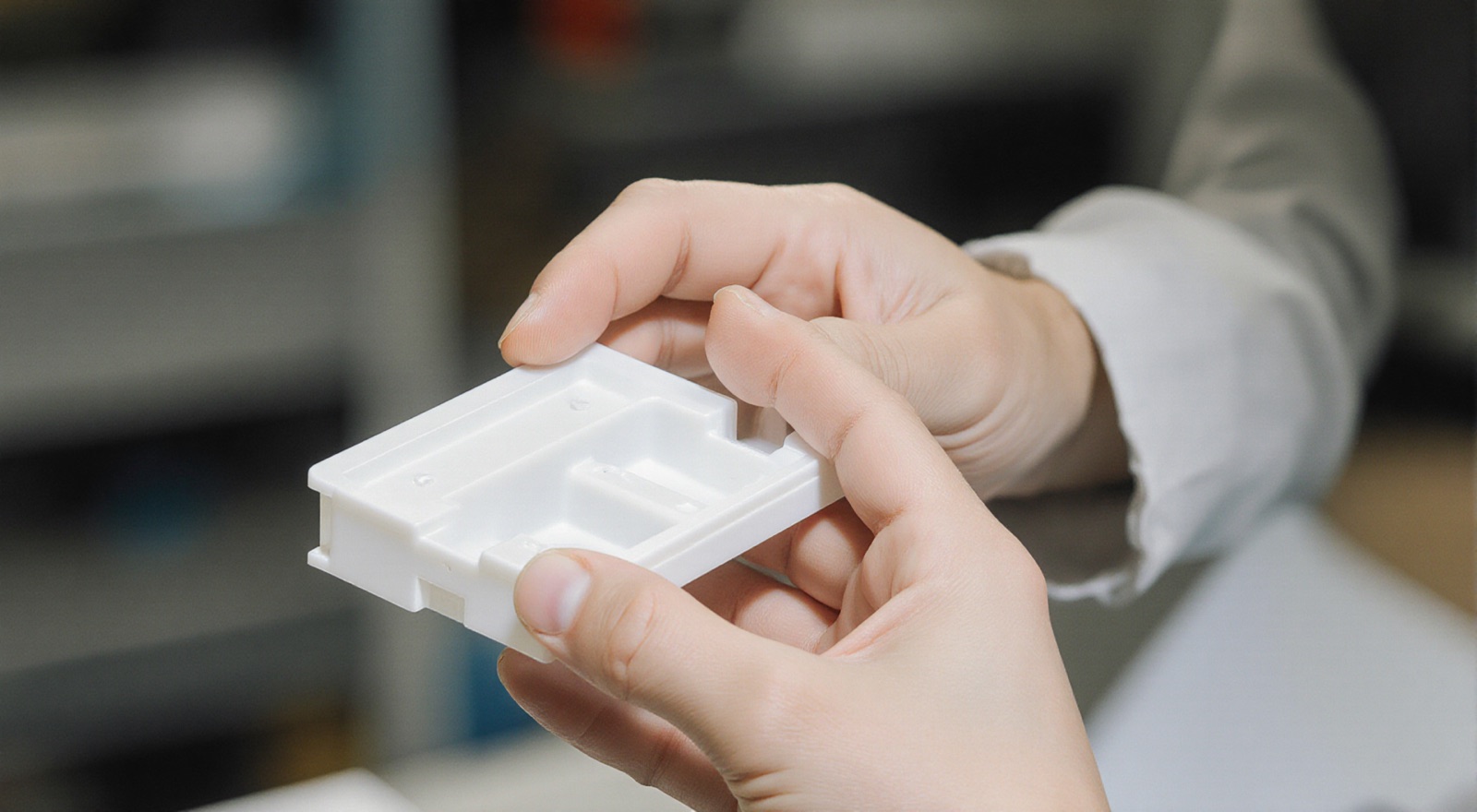
Real parts we printed in Riga. Yours arrives looking like this.


Send a model, get facts about it
Most quoting starts with an email and a wait. This starts with numbers. Drop in an STL, 3MF, OBJ or GLB file and within seconds you can see its real size in millimetres, how much material it needs, how many separate pieces are in the file and whether the surface is closed enough to print.
The same measurement decides whether we can print it at all. A part larger than our build plate, a mesh with open holes or an export with millions of triangles is caught here rather than after you have waited a day for a reply. When something is wrong we say what it is and what usually fixes it.
Questions about uploading
Which file formats can I upload?
STL, 3MF, OBJ and GLB are measured automatically and priced on the same screen. STEP files and PDF drawings are not measured here, so send those through the quote request and an engineer prices them by hand.
Do I need an account to upload?
No. You can upload and see the result without signing in. If you make an account later, the models you already uploaded move across to it.
What happens to my file?
It is stored on EU servers by SIA TWIN in Riga, used only to prepare your order, and never published or shared. You can ask us to delete it at any time.
How is the price calculated?
From what we measured: volume, surface, overhangs and height, plus the material, the quality, the quantity and the destination. Delivery and VAT are added for your country and you pay by card. A few models get no automatic price, for example one we cannot measure or a line above 500 EUR before VAT; then an engineer answers by email.