AI 3D Studio
One photo in, a printable model out
The generator rebuilds the shape it sees in a single picture and turns it into a solid model for our printer. We then measure and check the result exactly like any uploaded file.
- Made for figurines, characters, decorative objects and creative ideas.
- Not for precision mechanical parts: the shape is rebuilt from a picture, so dimensions are approximate.
- It works from one image and captures the shape only, without colour or texture.
- Every request shares one GPU, so a generation can take several minutes.
From a photo to a thing you can hold
Upload one photo
Pick a single clear picture of the object: a pet, a person, a thing you made. One photo is all the generator takes, so there is nothing else to prepare.
The generator rebuilds the shape
It studies the picture and rebuilds the visible shape as one solid model. Every request shares one GPU, so this step takes a few minutes; the page waits and checks by itself.
We measure and check it
The result goes through the same checks as any uploaded file: size, volume, closed surface. You see it as a spinning 3D preview in your projects, with honest numbers next to it.
You pick a size and order
Choose the printed size from 50 to 300 mm, pick a material and a colour, then order it or send it for a price. From here on it is a normal 3DPartGo order.
What people make with it
Printed examples of the kinds of objects the generator is good at: compact shapes with one clear outline.
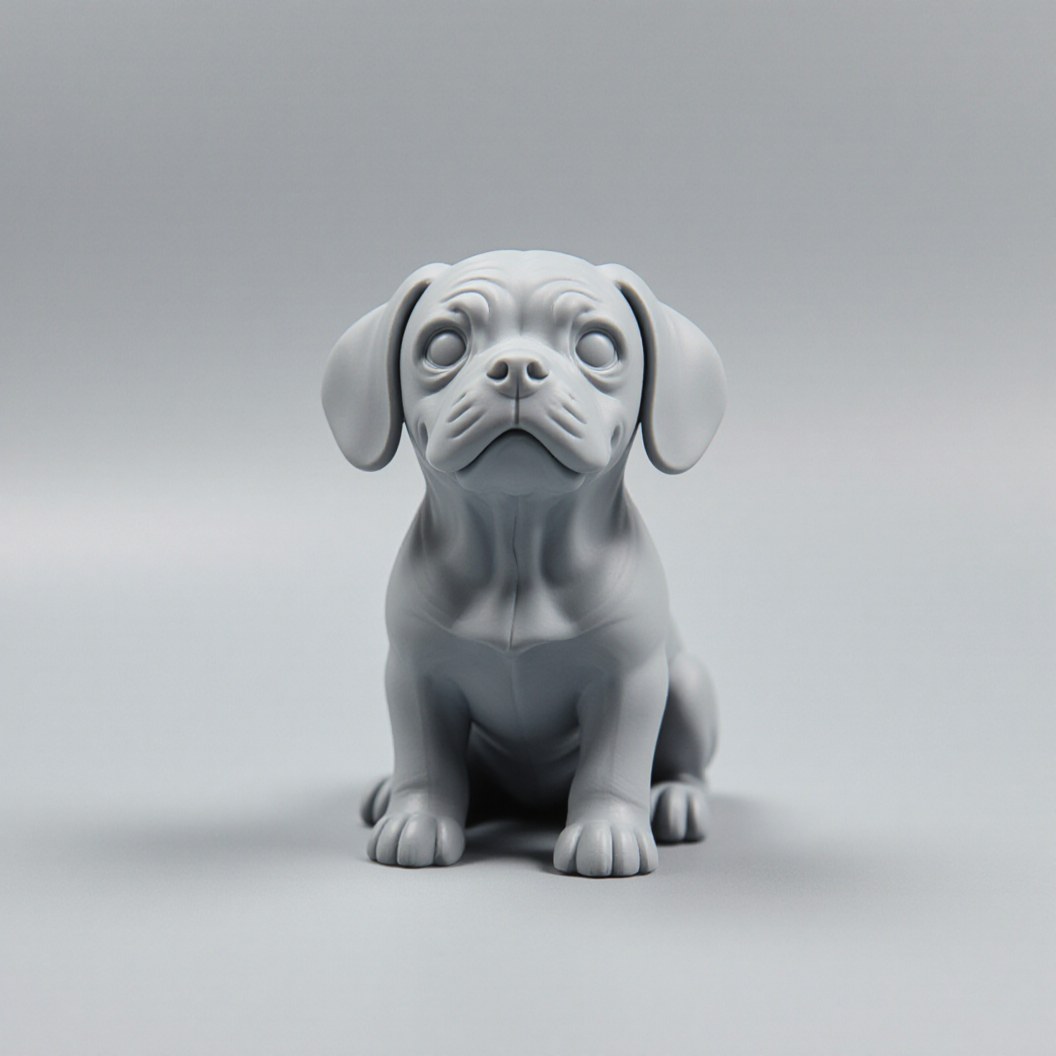
Pet figurine
A rounded, compact shape with a clear outline: the easiest kind of photo to rebuild.
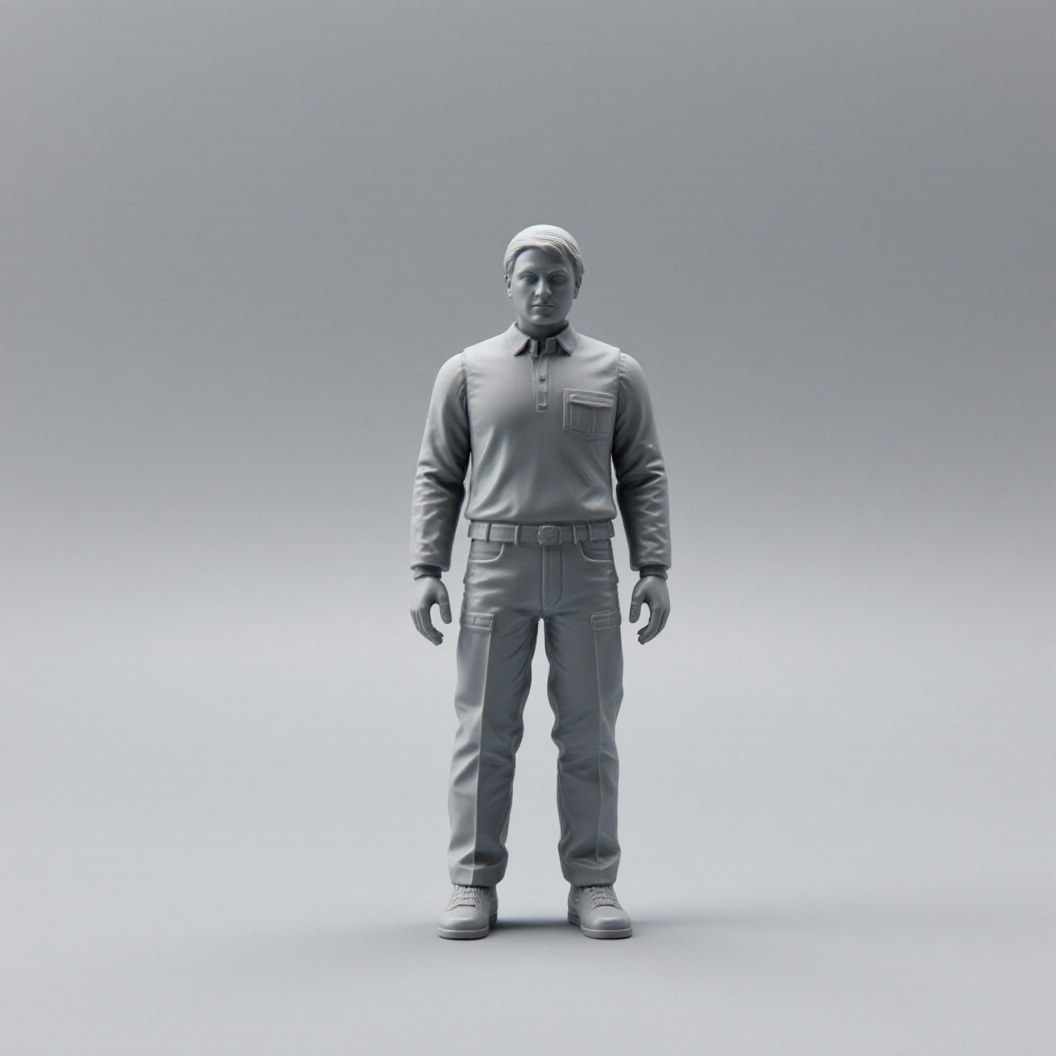
Personal figurine
One person, photographed head to toe: the pose and silhouette carry over, fine facial detail stays approximate.
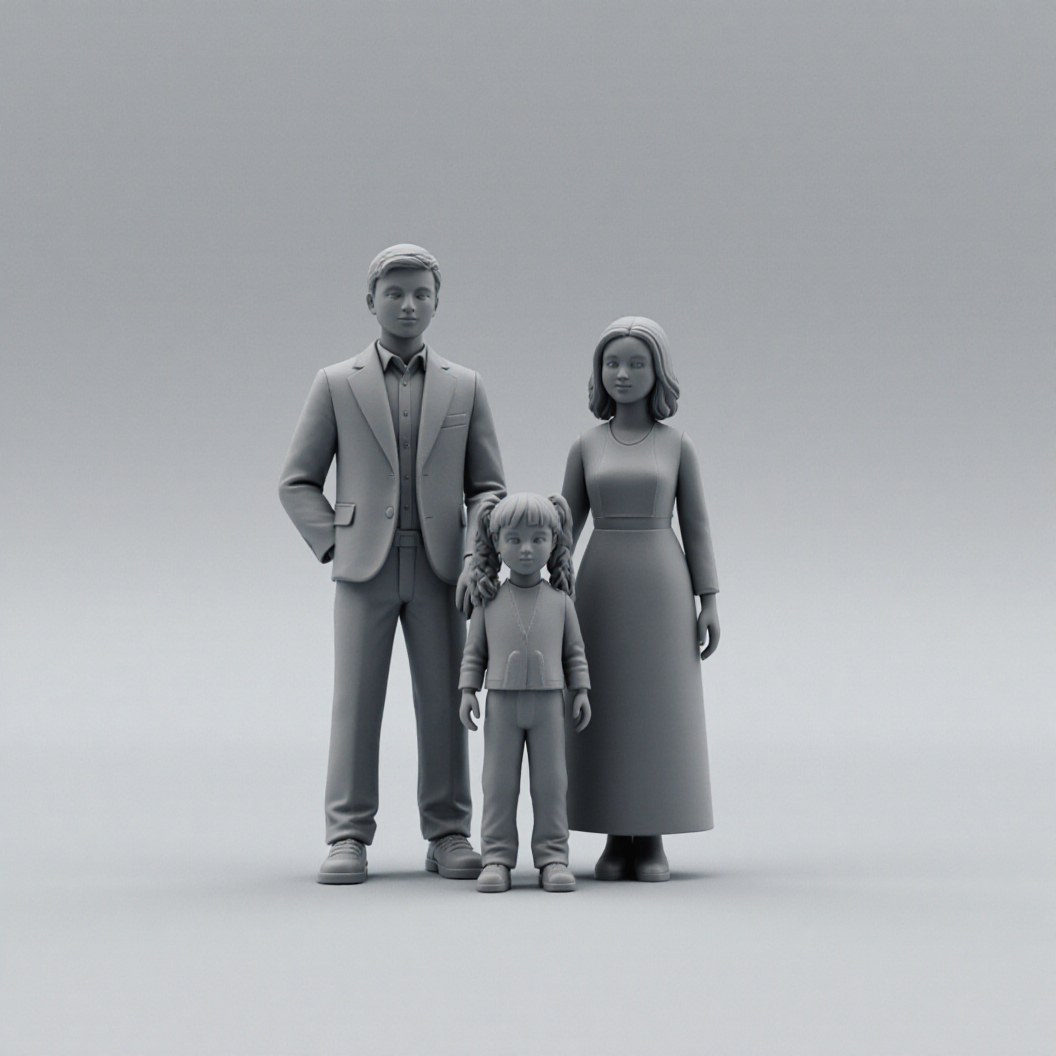
Family figurine
A group works when it stands close together, so the photo shows one connected shape.
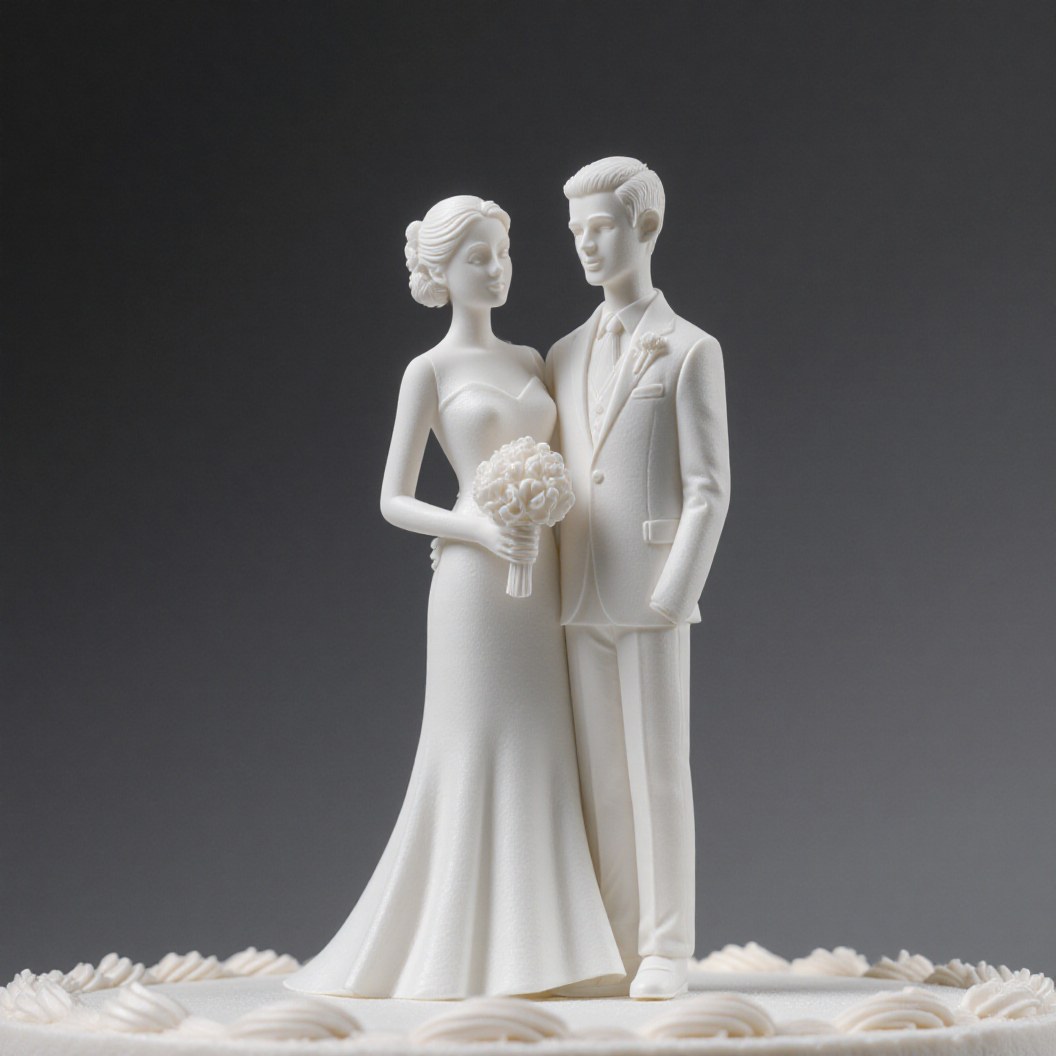
Cake topper
A small keepsake where the overall shape matters more than exact millimetres.
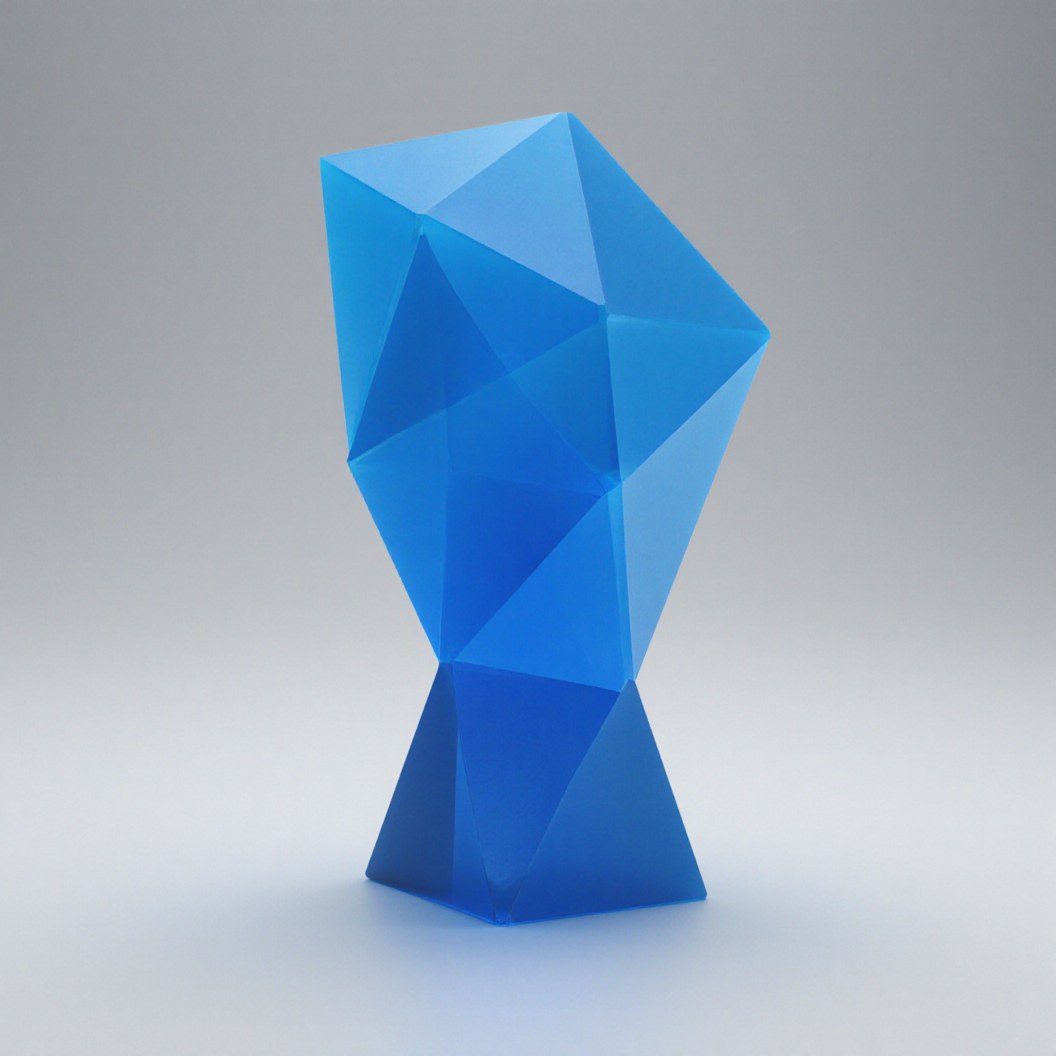
Award figure
Simple, bold geometry prints cleanly in one piece and stands on its own.
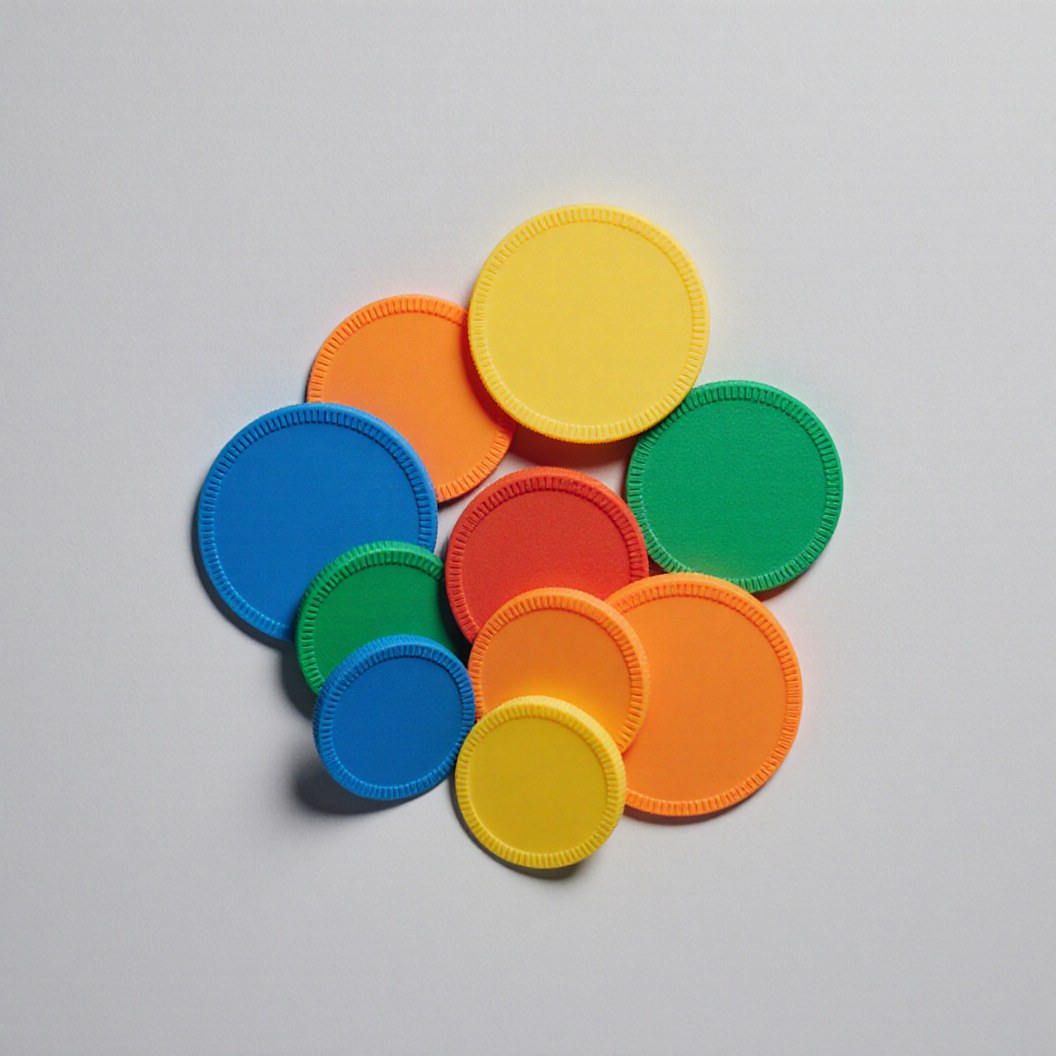
Event token
A small giveaway for guests: generate the shape once, then print as many copies as you need.
Photos that work best
The generator only knows what the picture shows it. A few habits decide between a clean model and a muddle.
Helps the generator
- One object filling most of the frame
- A plain, calm background
- The whole object inside the picture
- Soft, even light
Makes it struggle
- A whole scene with several objects: it cannot tell which one you mean
- A busy background that blends into the object
- Cropped edges: it has to invent whatever is missing
- Harsh shadows, which read as part of the shape
What it cannot do
The generator rebuilds the outer shape and nothing else. It does not reproduce text, logos or engravings, it does not know real dimensions, and it carries no colour: the printed part comes in the one material colour you choose. Anything that needs exact measurements needs a CAD file, not a photo.
What you get
A generation is not a picture of a model. It is a real project in your account, treated like any file you upload.
- The measured model, saved in My Projects
- A spinning 3D preview you can turn and inspect
- A printed size you choose, from 50 to 300 mm
- The same printability checks as any uploaded model
- From there, order it or send it for a price
Questions about the AI 3D Studio
Is every generated model printable?
No. We measure and check every result exactly like an uploaded file: size, volume, closed surface. When something blocks printing, the project says so instead of hiding it.
Can it copy a mechanical part?
No. It rebuilds the visible shape from one photo, not exact dimensions, threads or fits. A part that has to fit something needs a proper CAD model.
How long does a generation take?
Usually a few minutes. Every request shares one GPU queue, so at busy times it takes longer. The page keeps checking for you.
What exactly do I get?
A measured, printable model saved in your projects: the shape only, without colour or texture, with its size and material volume, ready to send for a price.
Can I print it in colour?
Each part is printed in one colour, which you choose from our 8 filament colours when you order. The generator captures the shape only, so there is no multicolour surface: pick the colour that suits the object.
Who owns the model?
You do. Your photo and the generated model stay private in your account, and we use the photo for nothing except building your model.
Try it with one photo
Pick a clear picture of one object and see what the generator makes of it. A few minutes of queue, then a measured model in your projects.